
We use a mix of new and vintage computing workstations and specialized forensic peripherals. So far, we have found this approach to be stable, affordable, and scalable. We hope the configurations shared here can serve as a starting point for your equipment decisions.
Imaging workstations
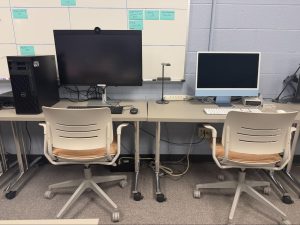
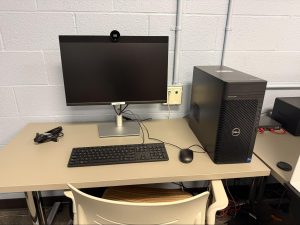
We use off the shelf equipment for our imaging workstations, with as much processing power that is compatible with the software that we use. More specifically, our Windows workstations were configured to preferred system requirements for FTK.
Floppy drives and controllers
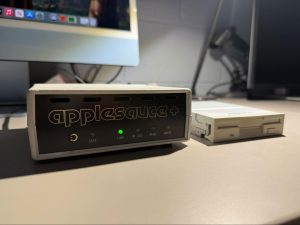
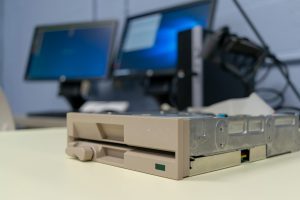
We have a collection of vintage drives acquired through donations from U-M faculty and library staff, and purchases made from Property Disposition, Amazon, and eBay. We connect the drives to KryoFlux, Applesauce, and/or FC5025 controllers in order to read and image disks without having to rely completely on vintage computing equipment.
Forensic computing peripherals
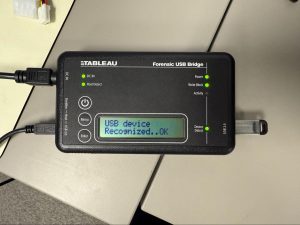
Since our computing workstations are off the shelf, we employ certain specialized tools and purpose-built peripherals to enable forensic workflows, including assorted write blocking hardware.
Vintage computing equipment
We also have a small collection of (super cool, mostly Macintosh) vintage computers received from donations, but we try to stick with using modern equipment as much as possible in our day-to-day work. Feel free to reach out to digitalpreservation@umich.edu if you’re interested in the specifics about what we have, or how we configure our mix-and-match setups.